
Know when to leave forhome
Watch your ETA from the Menu Bar on your Mac.
Requires macOS 14 Sonoma or later
Lifetime deal. No subscription.
1:28 PM (ETA)
60min away · Updated 0s ago
Home
San Francisco, CA
+55 min trafficRoutes
Current Route
4.2 mi
+55 min
via Market St
5.8 mi
+12 min


See CommuteBar in action
Try it in the menu bar here
See how the menu bar looks in traffic or when it’s time to leave.
Car, 18min
Menu bar icon
Choose from 6 icons.
Preview traffic delay
Shows extra minutes from traffic.
Preview scheduled commute
Shows when it’s time to leave.
Minutes format
Shorter format saves space in the menu bar.
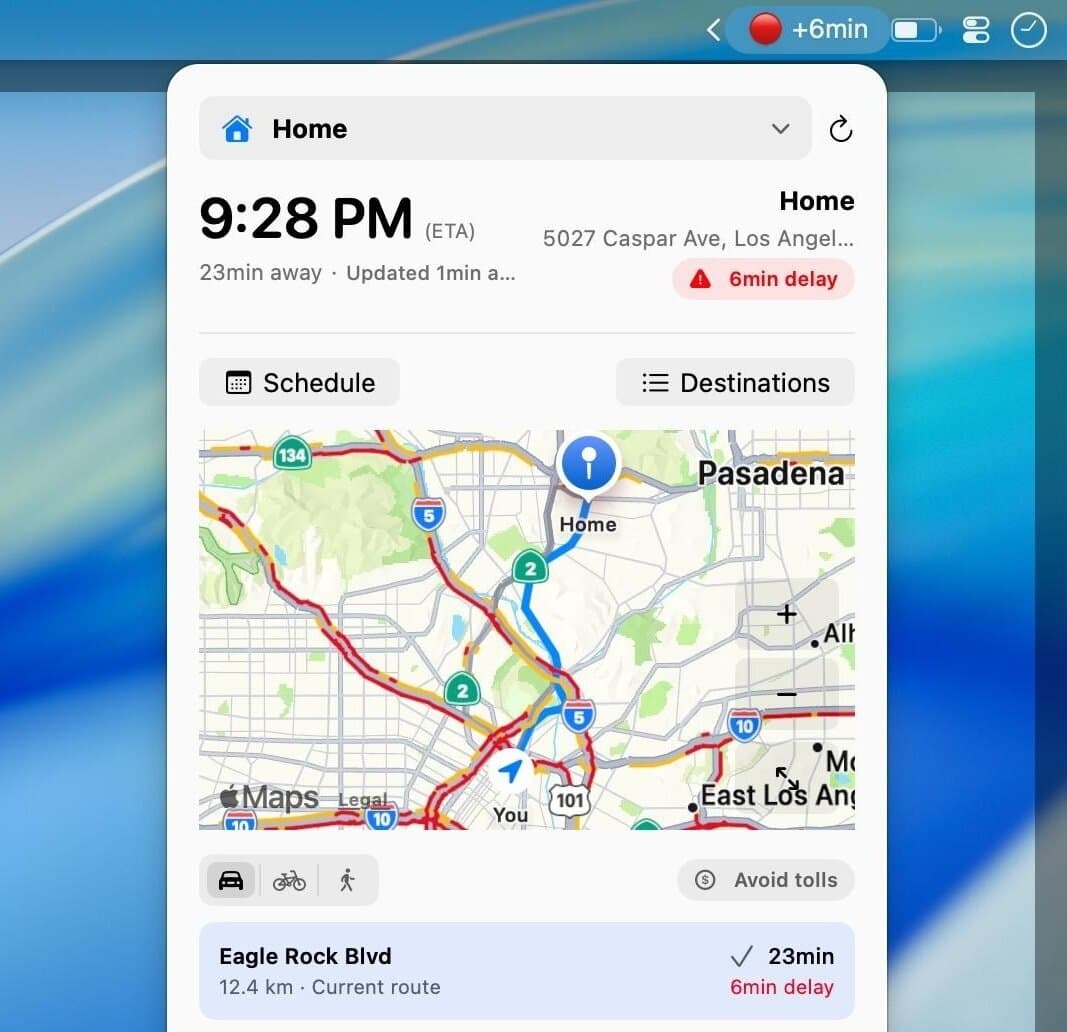
Live ETA in the menu bar
See your travel time at a glance. Check for traffic delays on the road without opening another app.
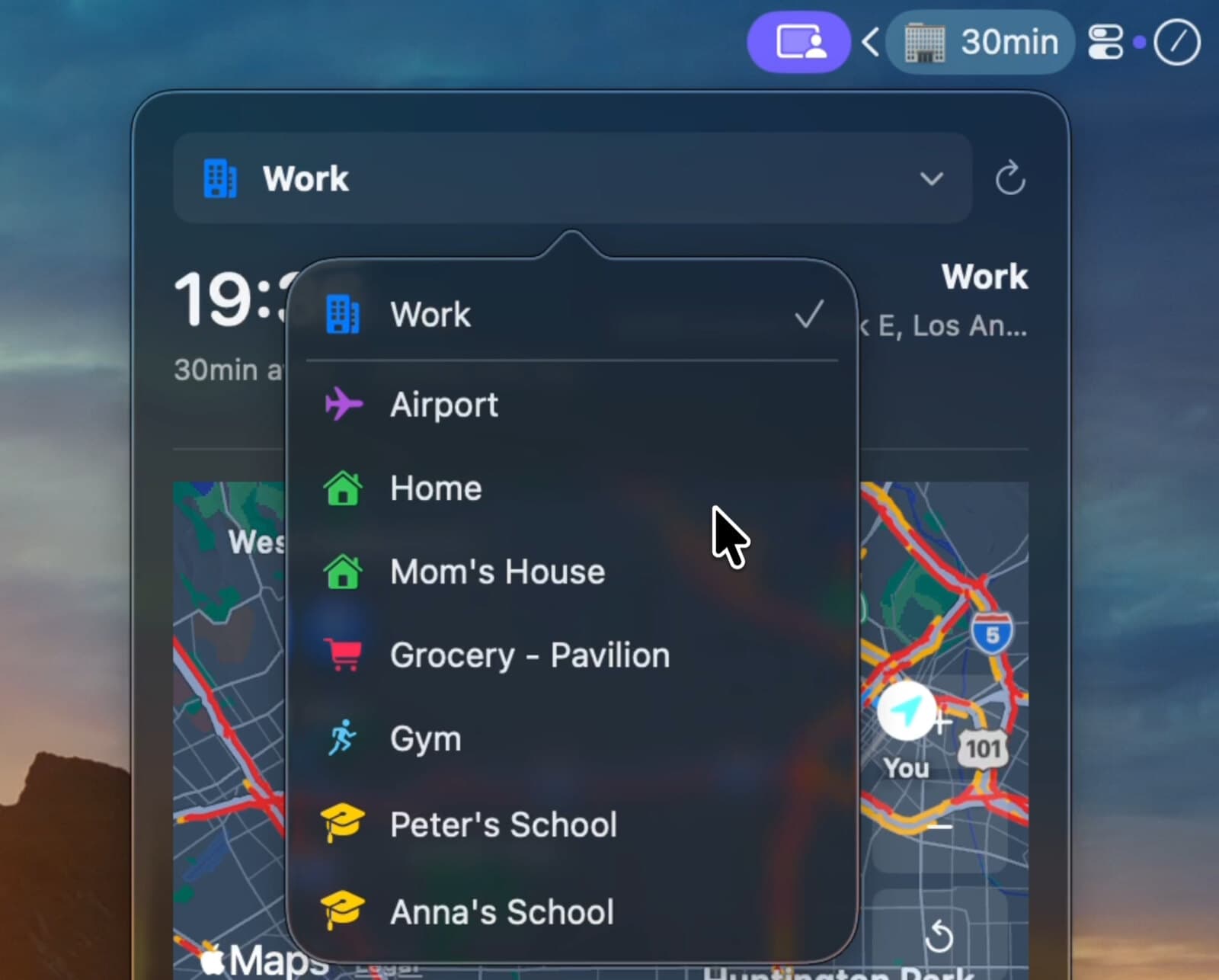
Multiple destinations
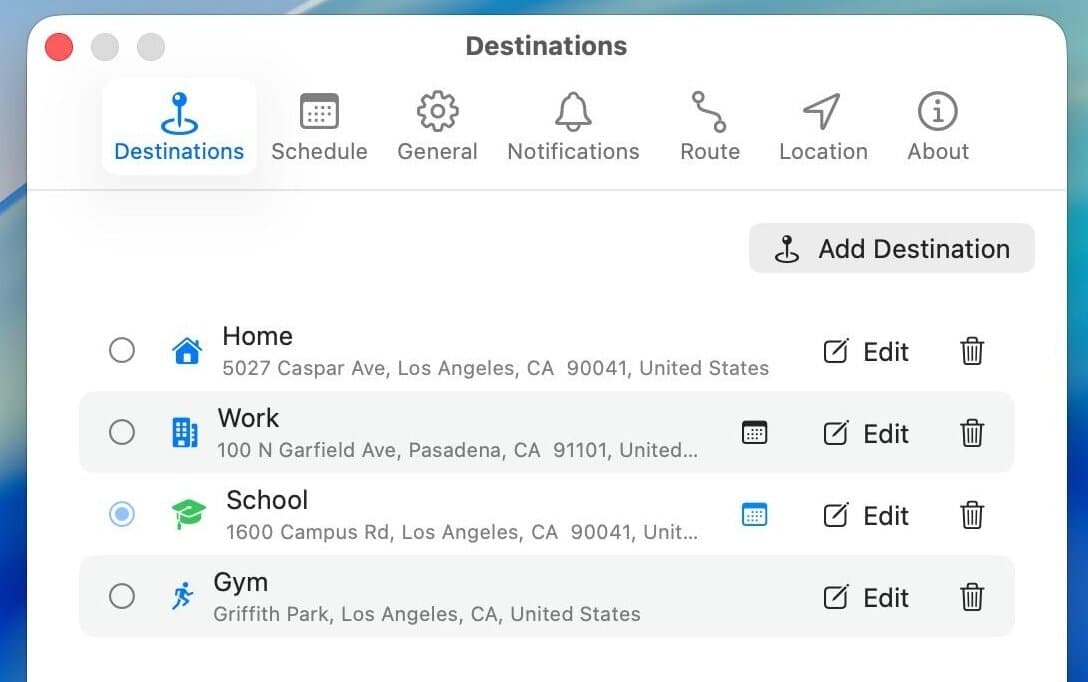
Add Home, Work, School, Gym, and more places you commute to. Then, quickly switch between them, or schedule it automatically. No need to make events.
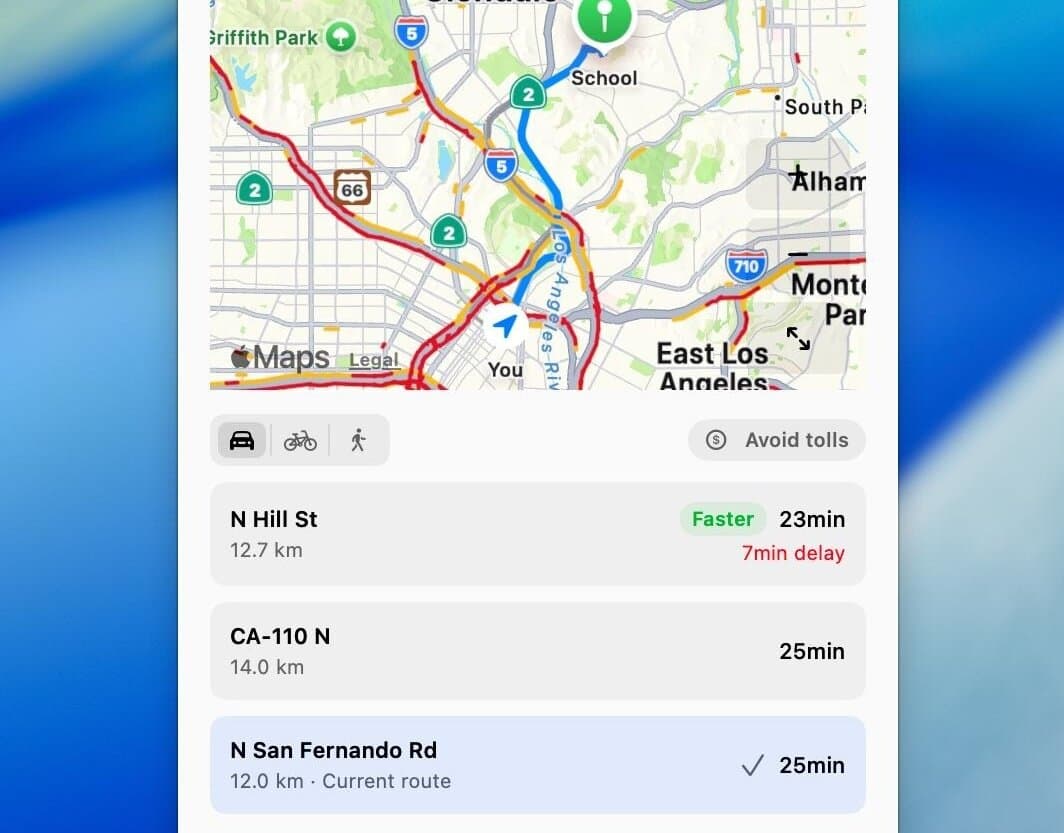
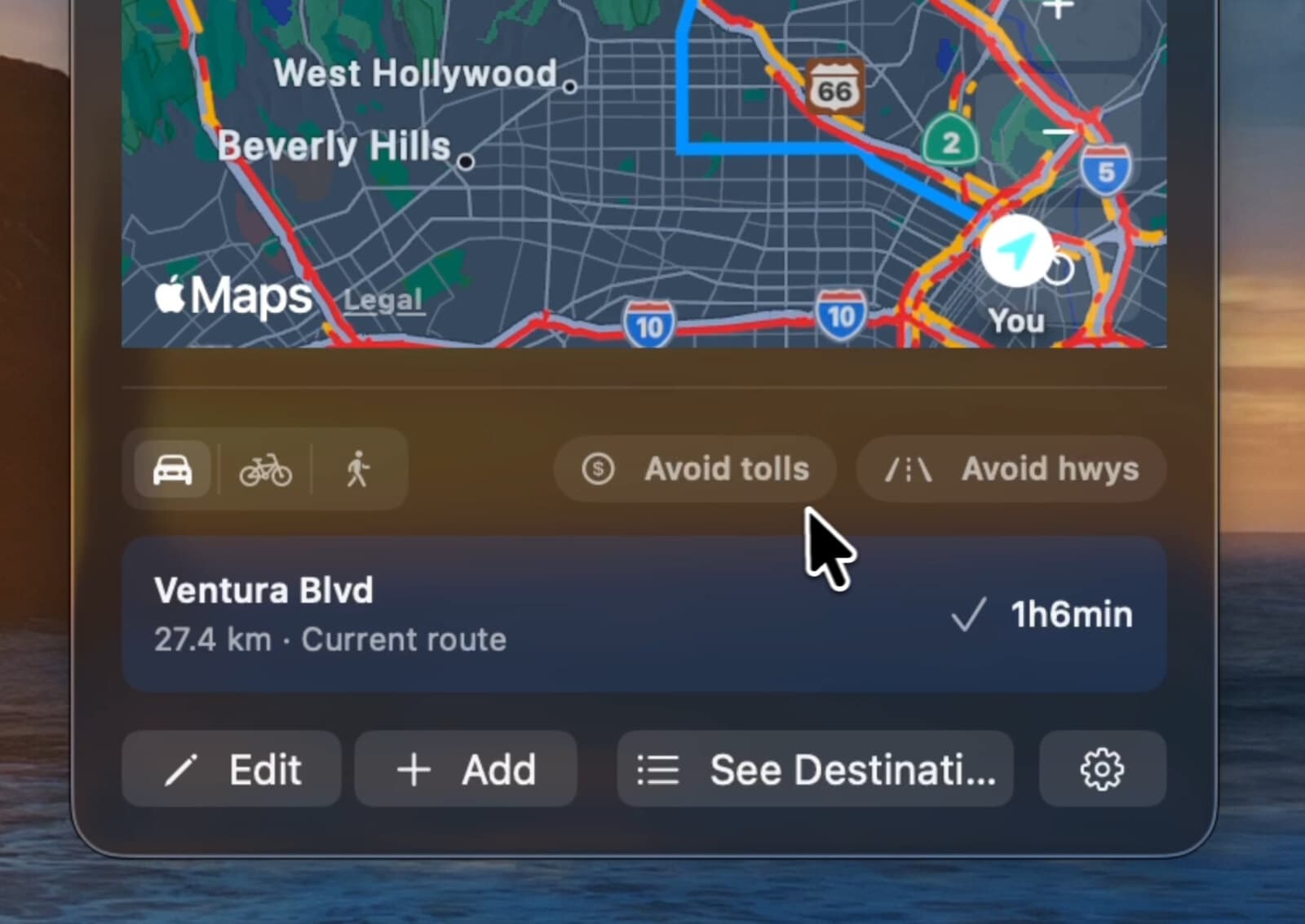
Drive, bike, or walk
Choose how you travel. Avoid tolls or highways when you drive. Switch to a faster route when it shows up.
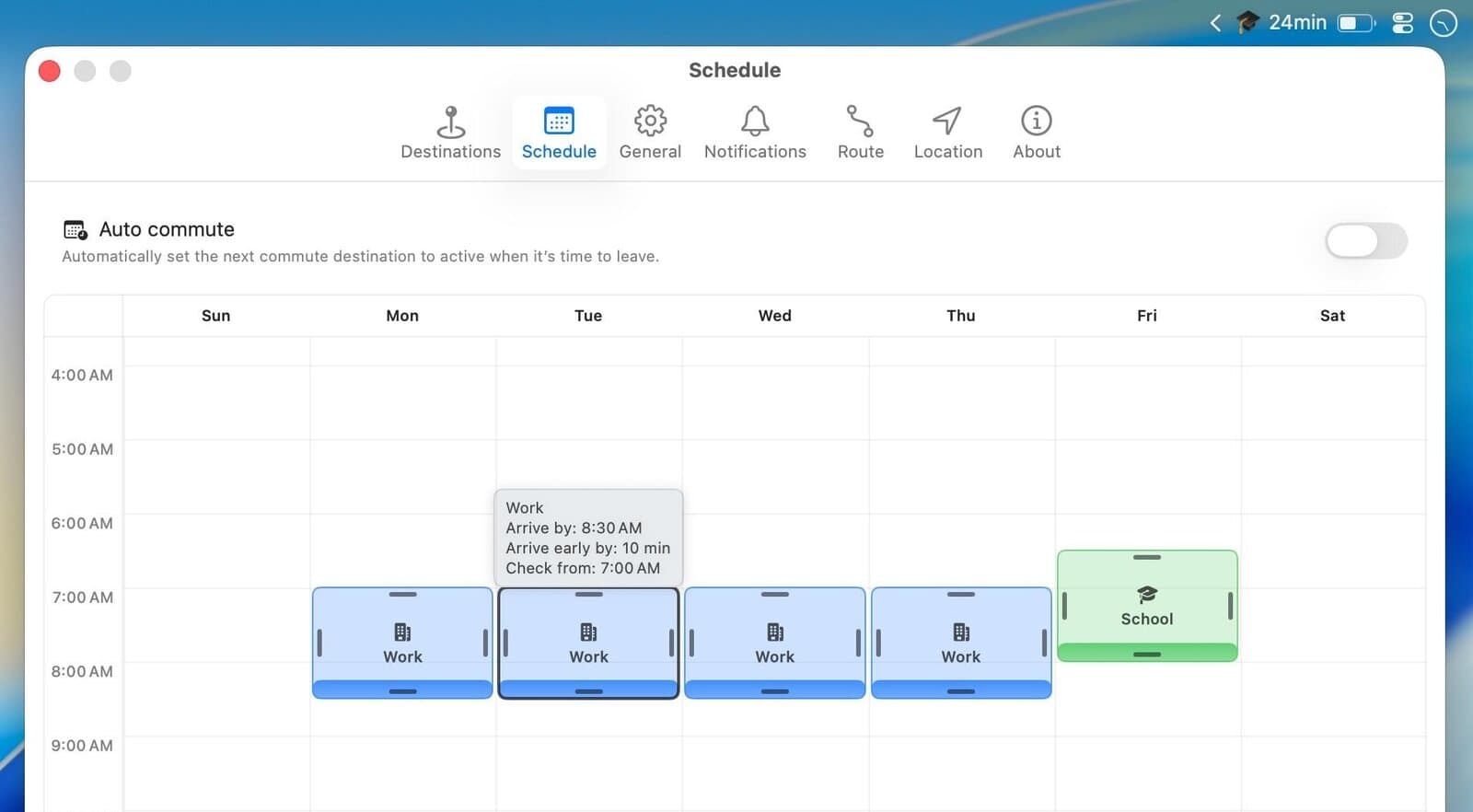
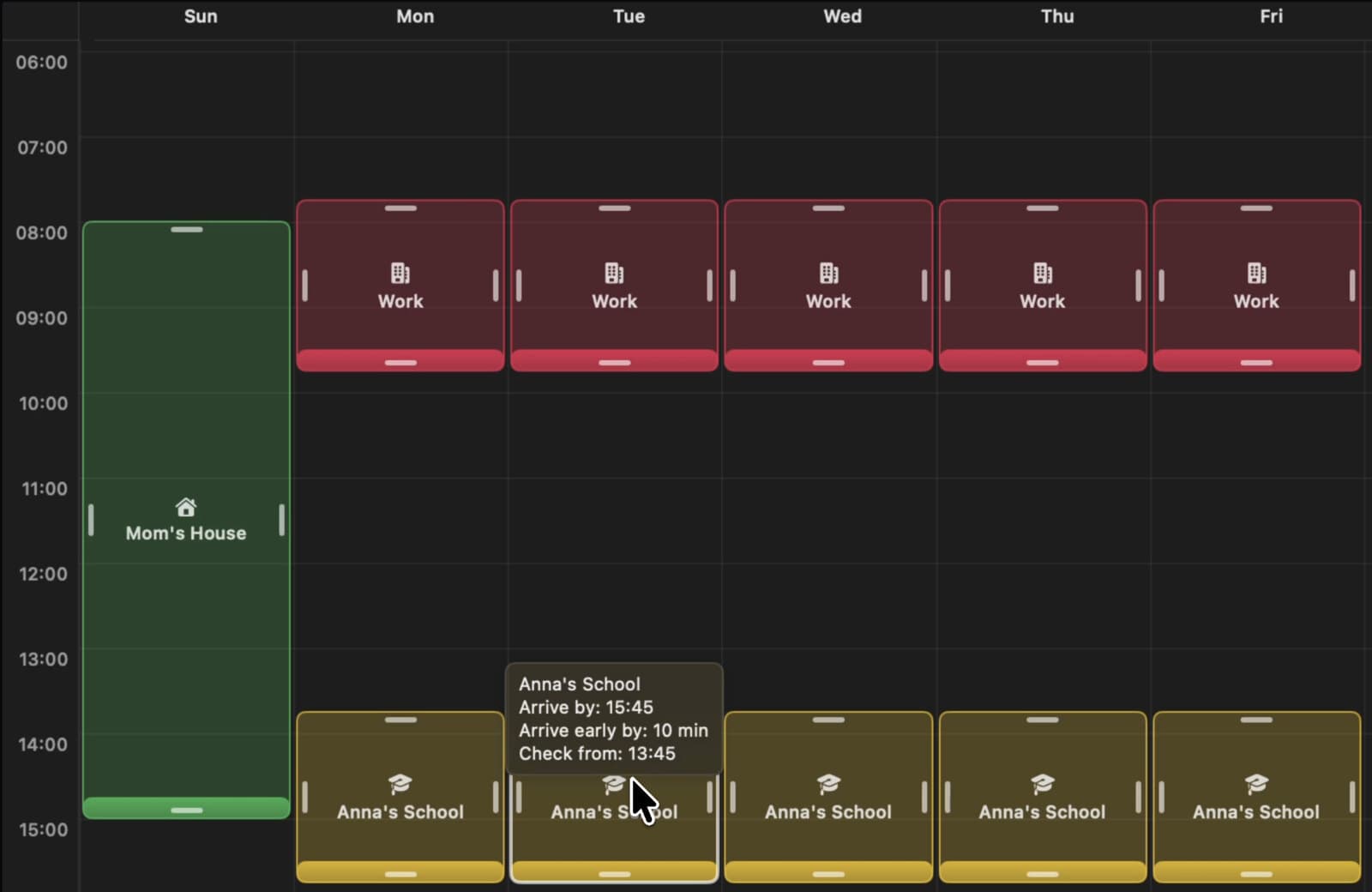
Schedule commute windows
Set when you need to arrive. Drag commute windows across the week. CommuteBar tells you when its time to go.
Get notified when to leave
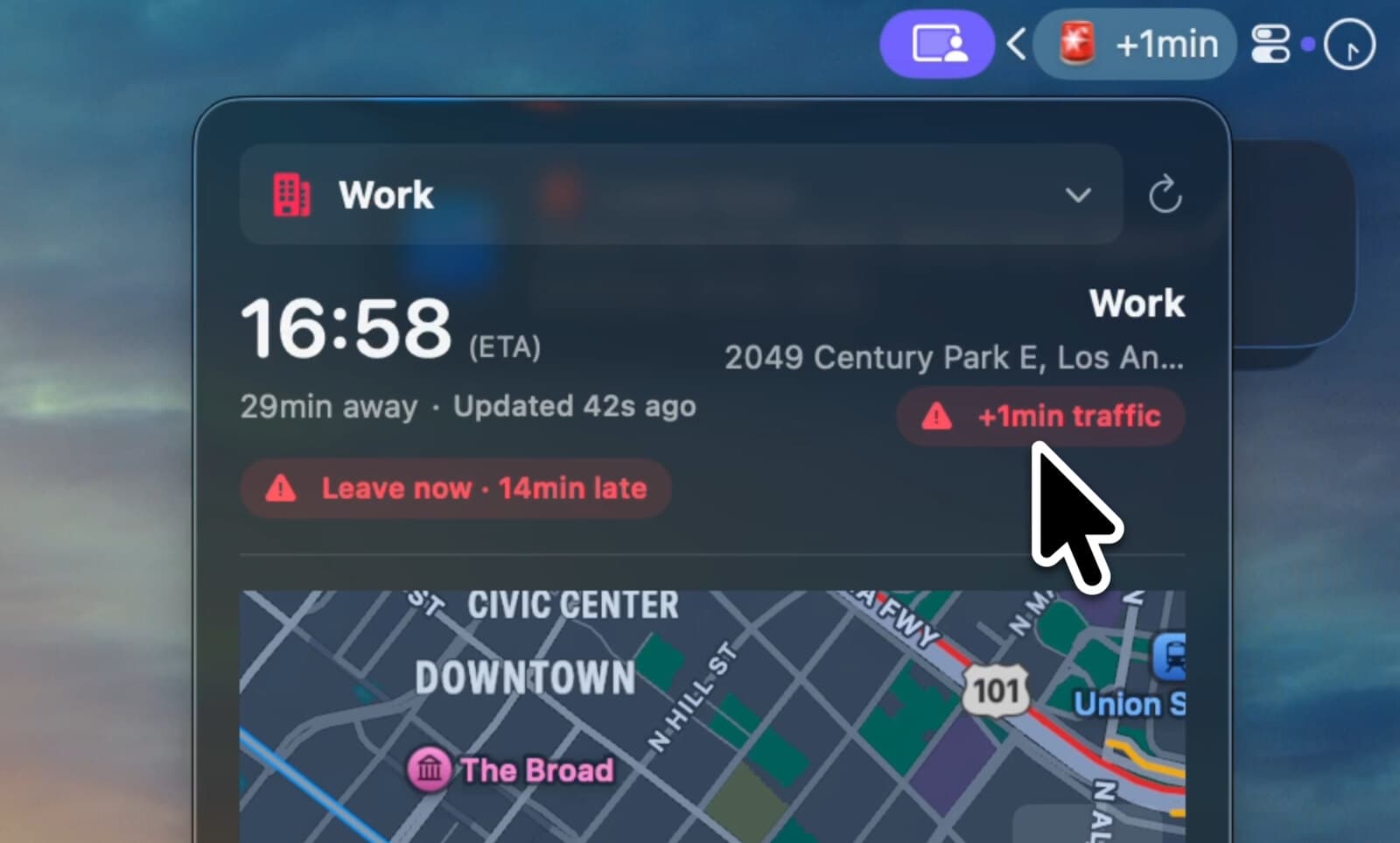
Leave soon, leave now, and get a heads-up when traffic spikes. No need to open another Maps app.

Leave by 8:15 AM for School. Drive time 22min.
Your location stays private
Apple Maps runs on your Mac. We never see your location.
Ready to get your time back?
CommuteBar shows live commute times, traffic delays, and leave alerts in your Mac menu bar. Glance at traffic before you head out.
Lifetime deal. No subscription.
Buy direct or on the Mac App Store. Same app. Requires macOS 14 Sonoma or later.
Buying for someone else?
Send someone a license. We'll email the download package and a separate confirmation email to you.
Frequently asked questions
Privacy-first commute monitoring for your Mac.